E-Sign Documents Online
Upload documents, prepare signature workflows, and manage agreement progress with a clear, practical e-sign process built for everyday business and document tasks.
You need a PDF of 50 MB or less. Sign in with Google to upload it and return later. Other file types are not accepted. Download the finished PDF from the workspace. A completion email attaches the PDF when it is 20 MB or less, and includes a download link when it is larger. You can delete the agreement in the workspace. No payment is required for the e-sign features available today.
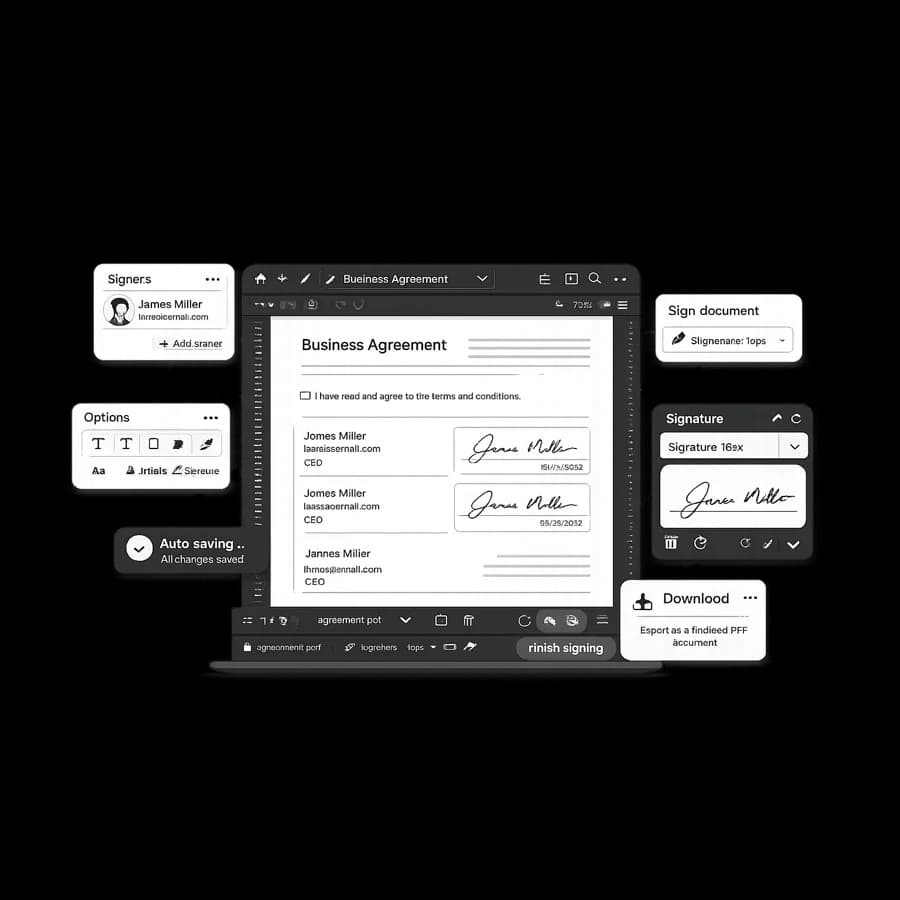
Sign PDF online
For direct PDF signing tasks, use the focused signing workflow page.
Free electronic signature
No payment is required for the e-sign features available today. Google sign-in is required, and the file you upload must be a PDF of 50 MB or less.
E-sign for small business
See a practical overview designed for lean teams and recurring document operations.
Send documents for signature
Need a sender-focused workflow? Learn how to prepare, share, and track signature requests without print-scan delays.
Electronic signature vs paper signature
Compare practical tradeoffs between paper signing and digital workflows for modern teams.
Benefits
- Upload documents and prepare them for signature workflows.
- Add and manage signature steps for practical agreements.
- Track workflow status through a simple document pipeline.
- Useful for small teams, founders, and operational tasks.
- Designed to keep the process straightforward and transparent.
How It Works
- Upload your document into the e-sign workspace.
- Prepare signature areas and document details.
- Send, sign, or continue managing the agreement workflow.
Security and Trust
StudiosisLab uses secure connections and account-based workflows for document actions. We continuously improve handling practices to protect user trust in e-sign operations.
FAQ
Do I need an account to use e-sign features?
Yes. Google sign-in is required to upload a PDF and return to an agreement.
Can I track agreement status?
Yes. The tools flow includes document status visibility for recent agreements.
Are documents handled securely?
The workspace requires Google sign-in, and pages are served over HTTPS. This is not a claim that stored files are encrypted at rest.
Can I continue an agreement later?
Yes. Recent agreements allow you to reopen and continue active workflows.
Related reading
Start your e-sign workflow
Upload a document and move from preparation to signature with a focused online flow.