
Send Documents for Signature Online
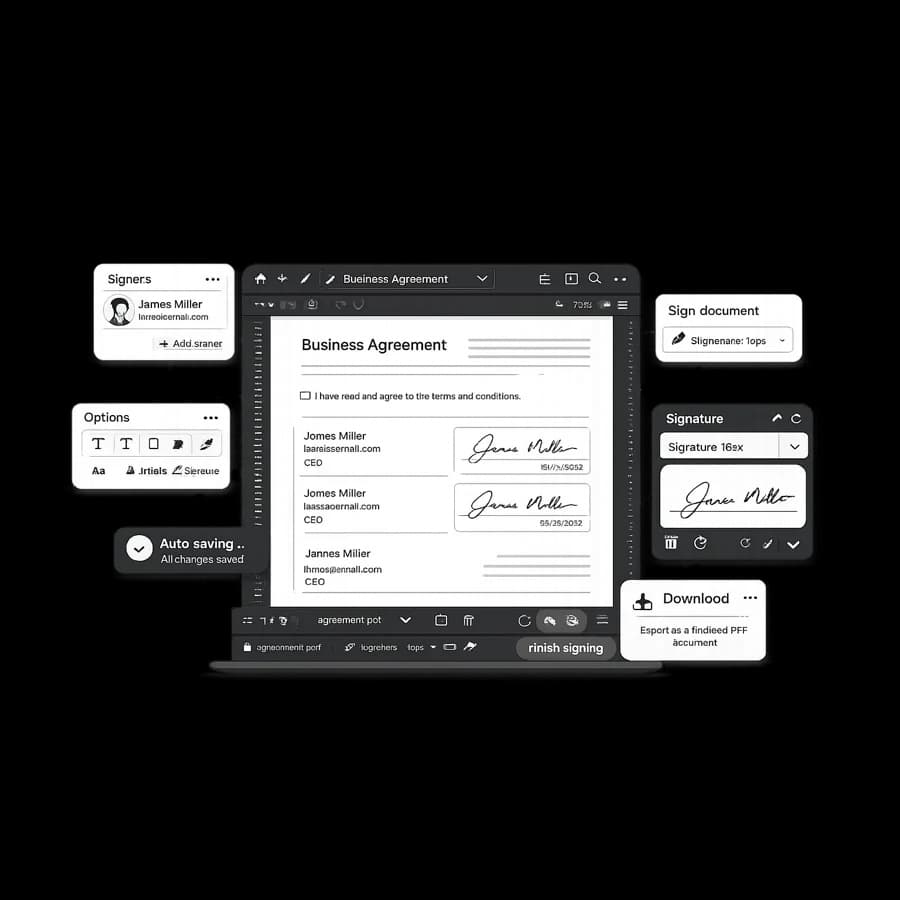
Send signature-ready documents without printing, scanning, or chasing scattered email threads. StudiosisLab helps you prepare PDFs, share signing steps with recipients, and keep progress visible.
Benefits
- Send documents from one browser workflow instead of fragmented tools.
- Reduce manual follow-ups with clearer signing progress visibility.
- Keep draft and in-progress agreements in one organized workspace.
- Support repeatable signature collection across recurring workflows.
How the workflow works
- Upload the PDF that needs signatures.
- Prepare signature steps and document details.
- Share and track agreement progress until completion.
When this is useful
This workflow is useful when your team regularly sends agreements for client approvals, onboarding documents, vendor paperwork, or internal signoffs. It is especially practical for remote teams that need clear handoffs and faster document turnaround.
If your process currently depends on attachments and reminder emails, centralizing signature steps can reduce delays and version confusion.
FAQ
Can I send documents for signature without printing and scanning?
Yes. You can upload a PDF, prepare signature steps, and move recipients through the workflow without print-scan loops.
Is this useful for teams that collect approvals frequently?
Yes. It is useful for recurring approvals, onboarding packets, service agreements, and internal signoff workflows.
How can I keep track of signing progress after sending?
Workflow visibility helps you monitor draft and active agreements so you can follow up with better timing.
Where can I review security details for document handling?
For current trust details, review the Security page for information about account-based access and handling practices.
Related reading
Start sending documents for signature
Upload your PDF, prepare signature steps, and move agreements forward with less friction.